

Coinbase (Advanced Trade) API Setup
Last updated April 7, 2026
Connect Exchange: Coinbase (Advanced Trade) API Setup
Coinbase has a particular API key creation process. To ensure a seamless experience, we've prepared a comprehensive guide below outlining the updated process.
To connect your Coinrule account to Coinbase , you will need to create an API Key.
1. First, you will need to sign in or create an account with Coinbase . Once signed in, you can create the API keys from either the 'Coinbase' or the 'Coinbase Advance' interface.
2. Click on the dotted icon, under 'Transactions' on the left, then select 'create your API Key'.
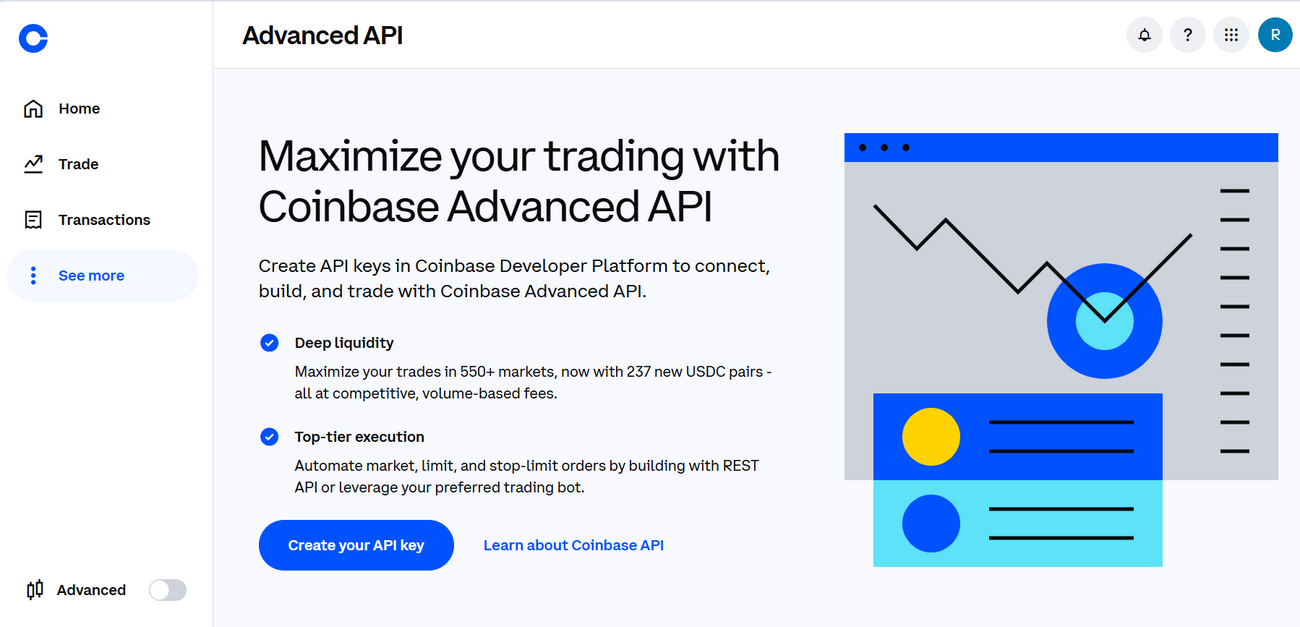
4. After clicking on 'Create Your API Key', select 'Create API Key'.
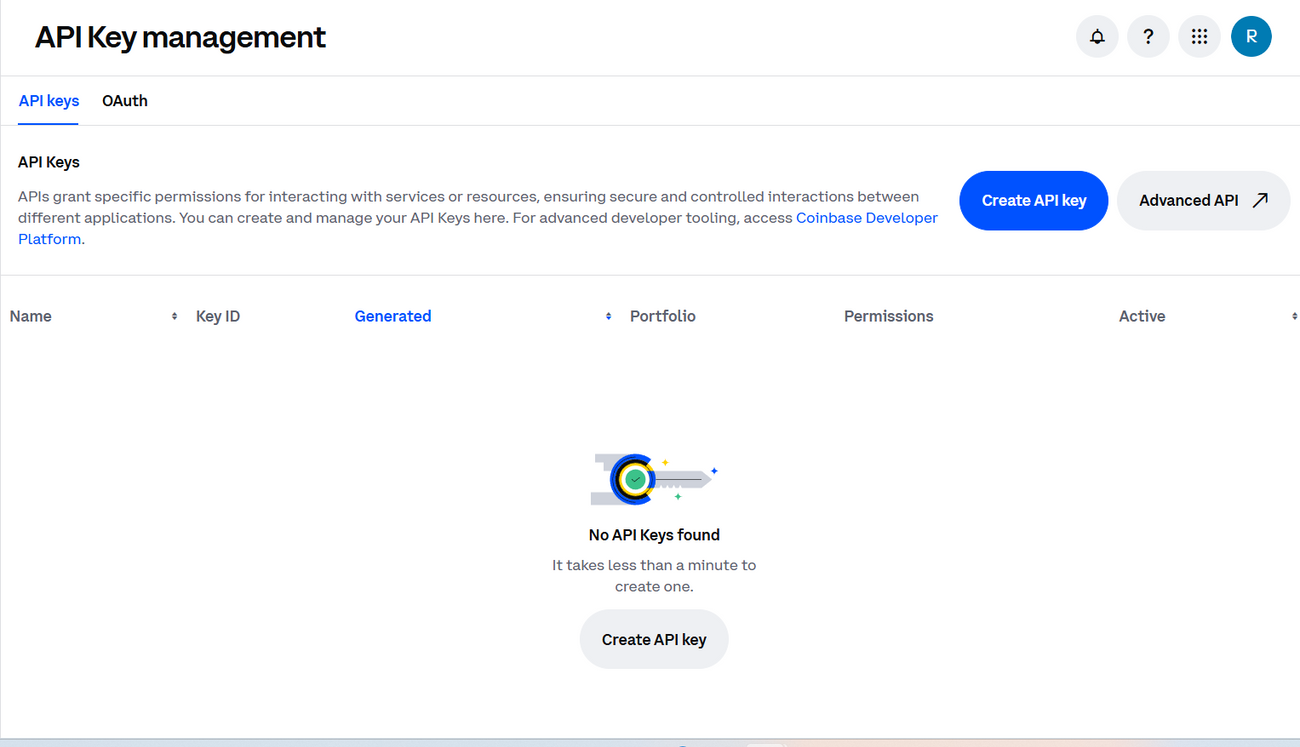
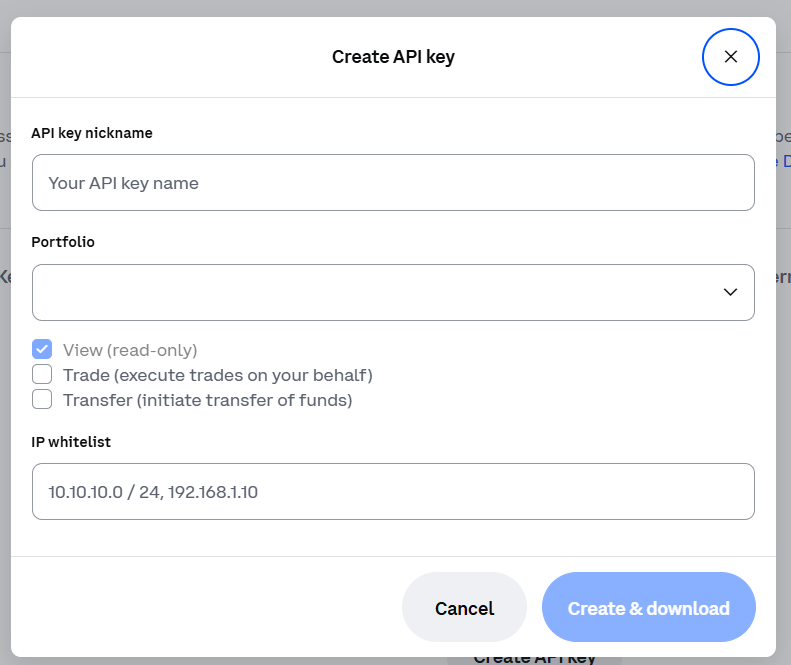
5. You will be required to name the new API then select 'primary' for portfolio. In the permissions section, enable "View (read-only)" and "Trade (execute trades on your behalf)".
You do not need to specify any specific IP address(es). Once the required permissions have been selected, click 'create & download'.
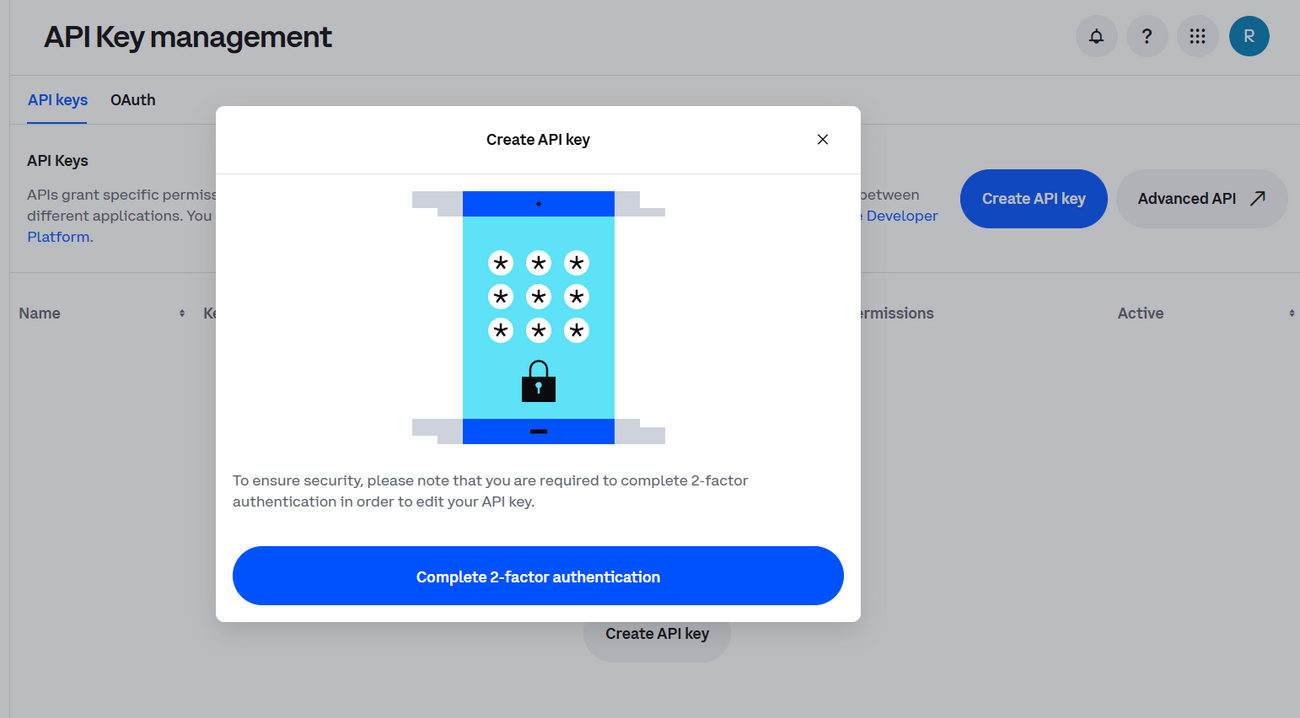
6. You will be required to complete a verification step by providing the 2FA verification code.
7. After entering the verification code, you will be provided with your API Key and Private Key.
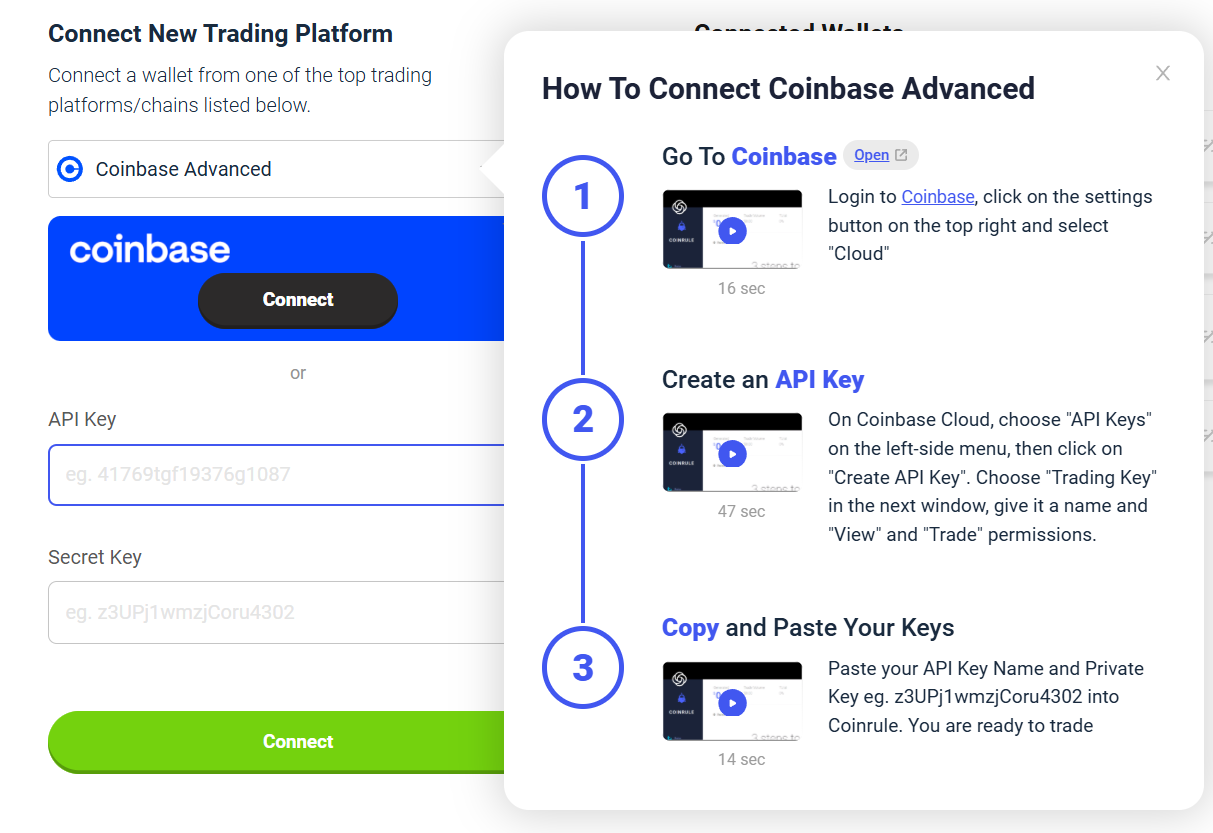
8. As final step, you can copy/paste both your API Key and Private Key in the Exchanges section of your Coinrule account with Coinbase selected, or connect directly to Coinbase using Oauth.
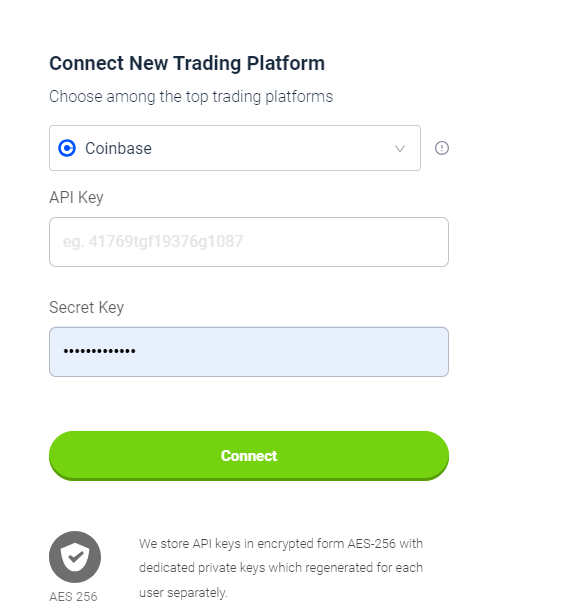
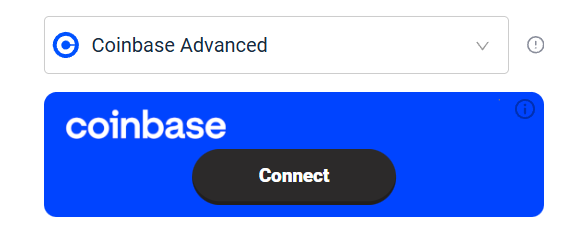
Once connected you will be able to automate your trades on Coinbase (Advanced Trade) with Coinrule! Trade safely!
Keep in mind: Coinrule does not and will never have any withdrawal rights. That means that funds cannot be moved out from your account through these keys.
You can read more about which security measures we take here .
Disclaimer: Please note that this article contains affiliate links.