

Manually Closing Trades
Last updated November 27, 2025
It is now possible to manually close an open position on an existing rule.
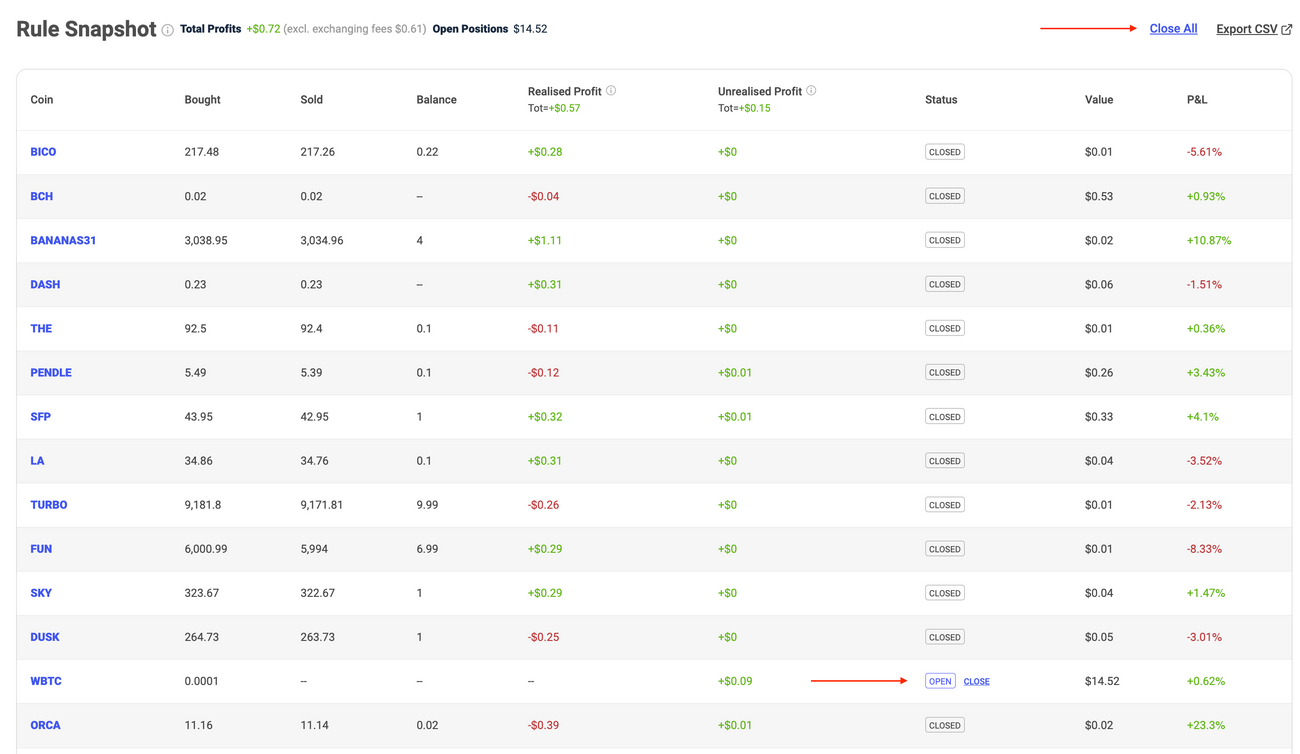
From inside the rule detail page, scroll down to the Rule Snapshot which shows which positions are currently held by your rule.
You can then select the option to 'Close All' positions or pick a specific position that you would like to close:
After closing the position, the rule will continue running as per its settings.
Was this article helpful?